
Océ ColorWave 500 User Guide
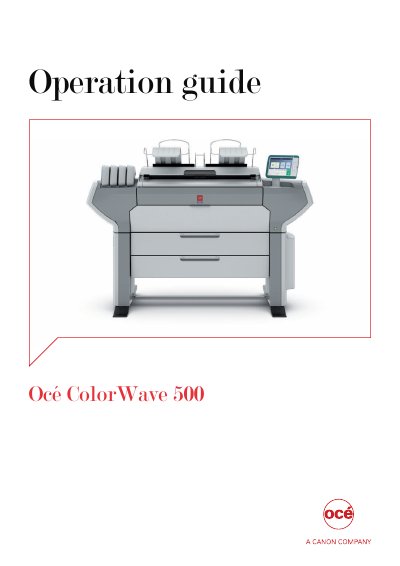
This guide provides step-by-step instructions for operating the Océ ColorWave 500 printing system, including hardware setup, workflow configuration, print and copy jobs, scanning, maintenance, and troubleshooting. It also covers software tools like Océ Express WebTools and mobile connectivity options. The guide is intended for users and administrators managing the system.
The document includes detailed chapters on configuring network and security settings, managing presets and templates, handling media, color management, and license/account management. Maintenance procedures for toner, scanner, and system updates are also covered.
The Océ ColorWave 500 is a printing system that includes optional components like a scanner, folding device, and delivery tray.
You can update the system software on the user panel or in Océ Express WebTools.
To replace the toner cartridge, you must first remove the media roll and then replace the maintenance tray.