
This manual covers the installation, setup, and operation of NORCO LCD KVM Drawers (models KVM-1501COMBO-S through KVM-1716COMBO-S), including hotkey…
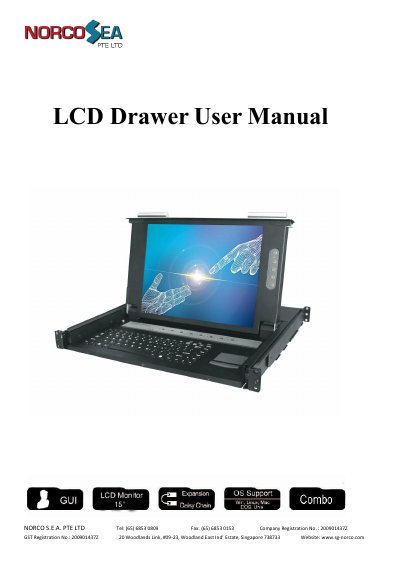
The NORCO LCD KVM Drawer integrates a 15 or 17-inch LCD display, an 89-key keyboard, and a touchpad into a compact 1U drawer-type worktable. It supports PS/2 and USB interfaces to connect up to 8 or 16 hosts simultaneously, allowing users to control multiple computers from a single console while saving space and power.
| LCD Resolution | 15" LCD: 1024 * 768 or 17" LCD: 1280 * 1024 |
|---|---|
| Max Distance (LCD Drawer to PC) | 16 feet (5m) |
| PC Ports | 8 / 16 |
| Operation Temperature | 0 ~ 50℃ |
| Storage Temperature | -20 ~ 60℃ |
A single unit can control up to 8 hosts, or up to 16 hosts depending on the model.
Yes, you can daisy chain up to eight banks or cascade two layers for a total of 512 or 2048 hosts.
The default hotkey is Caps Lock; pressing it twice within 2 seconds enters Hotkey mode.