
The Nikon WT-6 wireless transmitter user manual explains setup, safety, and operation for connecting cameras to computers or FTP servers.
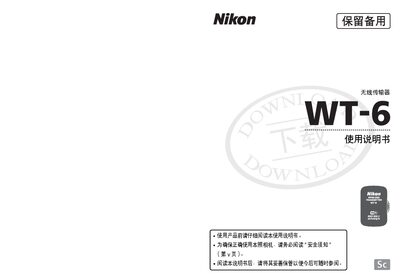
This manual provides step‑by‑step instructions for installing and configuring the Nikon WT-6 wireless transmitter, including preparing the device, enabling the camera’s wireless function, using the connection wizard, and setting network parameters. It also covers safety warnings, legal notices, and troubleshooting tips.
Additional sections describe the supported wireless standards, frequency ranges, data rates, and approximate operating range, as well as an appendix with utility software usage and technical specifications. This manual is written in Chinese.
| Wireless Standard | 802.11a/b/g/n/ac |
|---|---|
| Operating Frequency (WT-6) | 5180‑5320 MHz, 5500‑5700 MHz, 2412‑2472 MHz |
| Maximum Data Rate | 866.7 Mbps (IEEE 802.11ac) |
| Approximate Range (line‑of‑sight) | ~200 m |
The manual warns against touching exposed internal parts after a drop, removing the battery if the device overheats, and avoiding water exposure or use in flammable environments.
You must follow Step 2: Enable Camera Wireless Function, then use the Connection Wizard to set up the network.
The WT-6 supports IEEE 802.11a, b, g, n, and ac standards.
The WT-6 can achieve up to 866.7 Mbps using the IEEE 802.11ac protocol.