
This Nikon SB9D01(15) 6MB45415-01 camera manual explains how to connect the camera to smart devices via Wi‑Fi using the SnapBridge app.
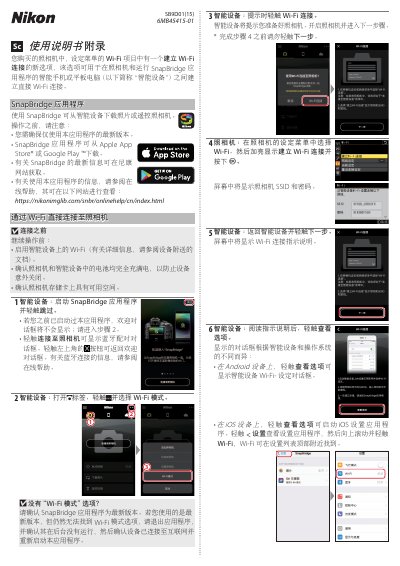
The manual describes the steps required to establish a direct Wi‑Fi connection between the Nikon camera and a smart device running the SnapBridge application. It covers preparing the smart device, enabling Wi‑Fi, and ensuring both devices have sufficient battery and storage.
It then guides the user through selecting the camera’s SSID, entering the password, and using the SnapBridge app to download photos or remotely control the camera. Instructions for ending the Wi‑Fi session are also provided. This manual is written in Chinese.
Open the SnapBridge app on the smart device and tap “Skip” on the welcome screen.
Tap the Wi‑Fi icon in the SnapBridge app and select “Exit Wi‑Fi mode”.