
The Nikon Wireless Mobile Utility iOS manual explains how to install the app, connect to supported Nikon cameras, and use remote shooting and photo transfer…
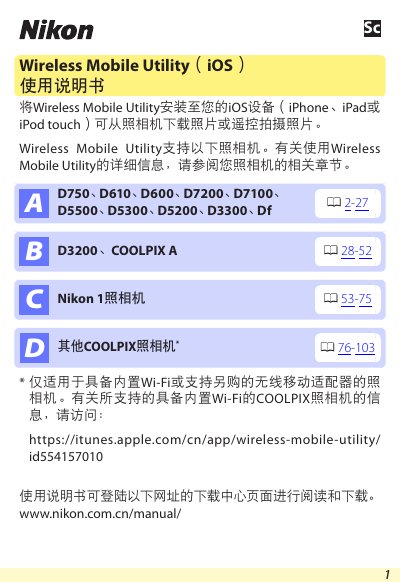
This manual provides step‑by‑step instructions for installing the Wireless Mobile Utility app on iOS devices (iPhone, iPad, iPod touch) and establishing a wireless connection to supported Nikon cameras. It covers system requirements, Wi‑Fi security settings, and the various functions available within the app, such as remote shooting, photo download, and sharing.
Additional sections describe connection status indicators, battery‑warning levels, and how to adjust adapter settings. The document also includes the terms of use and help resources for troubleshooting. This manual is written in Chinese.
| Supported iOS version | iOS 8.4 or later |
|---|---|
| Supported Wi‑Fi standards | 802.11b/g/n |
| Supported Nikon cameras (COOLPIX with Wi‑Fi adapter) | D3200, COOLPIX A |
The app requires iOS 8.4 or a later version.
Yes, tap the shutter icon in the app to remotely shoot and download the photo to the iOS device.