
The Nikon Wireless Mobile Utility Android user manual explains how to connect compatible Nikon cameras to a smartphone or tablet for remote shooting, photo…
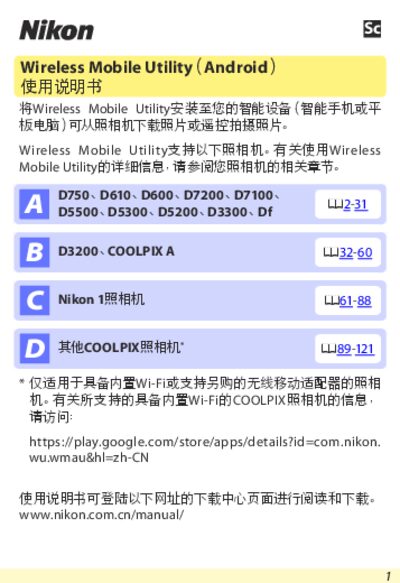
This manual describes the Wireless Mobile Utility app for Android devices and lists all supported Nikon cameras, including models with built‑in Wi‑Fi, NFC, or those requiring a wireless mobile adapter. It covers system requirements, installation from Google Play, and the steps to establish a wireless connection using Wi‑Fi, NFC, or WPS.
The guide details the app’s functions such as remote shooting, downloading photos while shooting, viewing and sharing images, and managing security settings. It also explains the various options and settings available within the app, including clock synchronization, battery alerts, thumbnail size, image resolution, and automatic startup. This manual is written in Chinese.
| Operating system | Android 5.0 or later |
|---|---|
| Wi‑Fi standard | 802.11b/g/n |
| Screen resolution | 800 × 480 pixels (WVGA) or higher |
The app requires Android 5.0 or a later version.
Open the app’s settings, select WPA2‑PSK‑AES, enter an 8‑to‑63‑character password, and save the setting.
If both the camera and the smart device support NFC, simply touch the device’s NFC antenna to the camera’s NFC marker to establish a connection.