
This manual provides operating instructions, shooting modes, playback features, and technical specifications for the Nikon 1 V1 interchangeable lens digital…
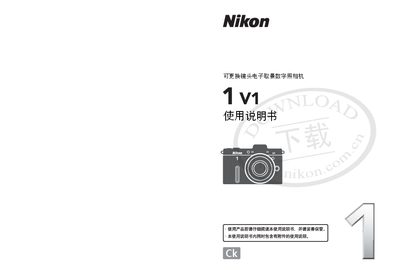
This document is the user manual for the Nikon 1 V1 interchangeable lens electronic viewfinder digital camera. It covers various shooting modes including Still Image, Intelligent Photo Selector, Animation, and Dynamic Snapshot modes. The guide details how to operate the camera body, use the LCD screen and electronic viewfinder, and manage settings via menus.
The manual also explains how to connect the camera to a computer or television using supplied software (ViewNX 2) and HDMI cables for playback and editing. It includes sections on flash photography, GPS unit installation, battery care, storage card usage, and troubleshooting common issues. This manual is written in Chinese.
| Effective Pixels | 10.15 million |
|---|---|
| Image Sensor | 13.2mm x 8.8mm CMOS |
| Storage Media | SD, SDHC and SDXC memory cards |
| Lens Mount | Nikon 1 mount |
The supplied ViewNX 2 software is used to copy photos and create animation short movies.
Yes, you can use an HDMI connection cable to connect the camera to a high-definition TV.
Supported sizes include 3872x2592, 2896x1944, and 1936x1296 pixels with a 3:2 aspect ratio.