
This document is the user manual for the 35mm/APS(IX240) film scanner, providing detailed instructions for installation and use of the product.
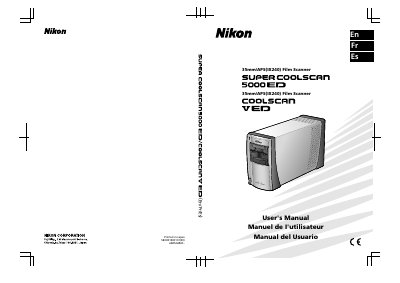
This manual begins with safety precautions, handling warnings and power‑supply requirements for the Super Coolscan 5000 ED film scanner. It explains how to install the unit, connect power and USB cables, and prepare the scanner for use.
The guide then covers basic scanning procedures, film loading, image preview, resolution settings, and use of the Nikon Scan software. Optional adapters, technical notes, maintenance tips and troubleshooting steps are also included.
| Power Supply | 100‑240 V AC, 50/60 Hz |
|---|---|
| Interface | USB 2.0 |
| Maximum Optical Resolution | Up to 4000 dpi |
| Output Data Depth | 16 bits total, 8 bits per component |
The scanner requires a 100‑240 V AC power source at 50 or 60 Hz.
The device can scan at up to 4000 pixels per inch.
It connects via a USB 2.0 interface.