
This is a user manual for the Canon COOLSCAN II scanner
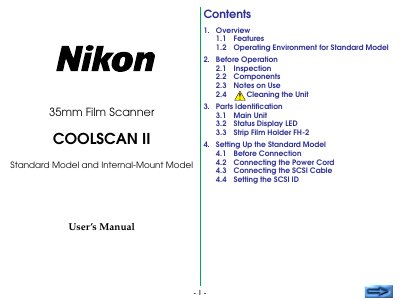
This manual covers the Nikon COOLSCAN II 35mm film scanner, available in a Standard Model and an Internal‑Mount Model. It includes safety cautions, power requirements, and detailed instructions for connecting the unit via SCSI, preparing film, and performing scans.
Key sections guide users through inspection, parts identification, setting up each model, operating the scanner, troubleshooting common issues, and an appendix with full technical specifications. The index makes it easy to locate topics such as SCSI configuration, LED status indicators, and environmental limits.
| Reading resolution | 2,592 × 3,888 pixels |
|---|---|
| Effective scanning area | 23.4 × 35.4 mm |
| Light source | RGB 3‑color LED |
| Maximum optical resolution | 2,700 dpi |
| A/D conversion | 8 bit |
| Data interface | SCSI‑2 compliant |
| Maximum transfer rate | ≈ 2.66 MB/s |
| Power (Standard model) | AC 100‑240 V, 0.3‑0.2 A |
| Power (Internal‑mount model) | DC 5 V 1.5 A or DC 12 V 1.2 A |
| Dimensions (Standard model) | 6.0 × 10.5 × 2.5 in (151 × 267.5 × 63.3 mm) |
| Weight (Standard model) | ≈ 4.2 lb (1.9 kg) |
The Standard model uses an AC supply of 100‑240 V, 50/60 Hz drawing 0.3‑0.2 A, while the internal‑mount model runs on DC 5 V 1.5 A or DC 12 V 1.2 A.