
This document is the user manual for the 35mm Film Scanner LS-1000, which describes the features and characteristics of the product, as well as the operating environment, pre-operation inspection, parts identification, connection methods, operation, and troubleshooting.
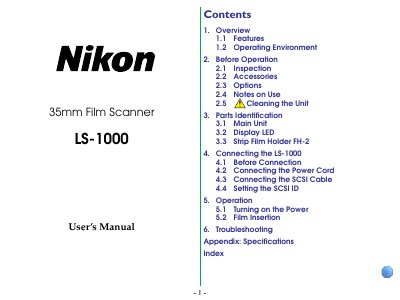
This manual explains how to unpack, set up, and connect the Nikon LS-1000 35mm Film Scanner, covering safety precautions, power requirements, and proper handling of accessories. It includes sections on features, operating environment, parts identification, SCSI connection, and detailed operation steps.
Additional sections cover troubleshooting common issues, specifications of the scanner, and regulatory compliance information. The guide helps users achieve optimal scanning performance while avoiding damage to the unit.
| Image sensor | 2,592 pixel linear CCD image sensor |
|---|---|
| Power supply | AC 100‑120V / AC 200‑240V, 50/60 Hz, 0.80‑0.4 A |
| Dimensions | 6.0 (W) x 10.5 (H) x 2.5 (D) inches |
| Weight | Approx. 4.2 lbs (1.9 kg) |
| Interface | SCSI‑2 compliant |
It uses an AC power supply of 100‑120 V or 200‑240 V, 50/60 Hz, drawing 0.80‑0.4 A.
Do not pull or bend the SCSI cable; use the supplied cable and ensure it is properly connected and terminated.