
The NEC SB-L008KU Media Player User Manual provides installation, connection, operation, and specification details for the media player.
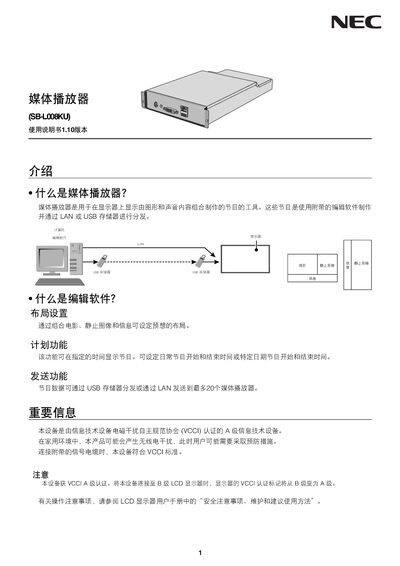
This manual explains the functions of the NEC SB-L008KU Media Player, a device that plays combined graphic and audio programs on a display. It covers the use of the supplied editing software, program scheduling, and distribution via LAN or USB storage.
The guide includes step‑by‑step installation into a compatible NEC display, connection options (SD card, USB, LAN, DVI, audio), power‑state controls, program‑data creation and transfer, and detailed technical specifications such as resolution, power consumption, and environmental limits. This manual is written in Japanese.
| Default video resolution | 1920 x 1080 / 60 Hz |
|---|---|
| Maximum USB storage capacity | 8 GB |
| Maximum SD card capacity | 8 GB (included SD card 2 GB) |
| Media player power consumption | 12 W (DC) |
| Total power consumption (incl. display) | ≈35 W |
| Dimensions (W × H × D) | 376.0 mm × 85.0 mm × 225.0 mm |
| Storage humidity (non‑condensing) | 10 % – 80 % |
The media player supports up to 8 GB of USB storage.
The factory default video resolution is 1920 × 1080 at 60 Hz.