
This manual is a user manual of NEC mobile phone, which mainly introduces the functions and operations of the mobile phone and precautions.
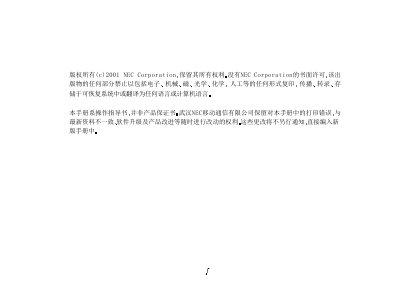
The NEC DB5000 Phone User Manual provides operating instructions for the NEC DB5000 mobile phone. It includes safety guidelines, basic call handling, battery maintenance, menu navigation, phone settings, call timers, phonebook management, text input, security locks, call forwarding, SMS and voicemail, tools like calculator and currency converter, and Chinese input methods.
The manual also contains regulatory information, emergency service instructions, and a list of authorized service centers in China. It explains how to use the phone with a SIM card, network selection, roaming, and connection to a portable computer. The document is in Chinese with a note on obtaining an English version. This manual is written in Chinese.
Avoid contact with liquids; if exposed, do not turn on and seek authorized service.
Use the keypad lock function in the security settings to enable or disable automatic or manual locking.
The manual lists service centers in Wuhan, Shanghai, Beijing, Chengdu, and Guangzhou with addresses and phone numbers.