
NEC portable projector user manual with safety, installation, operation, and specifications for the NP216+/NP215+/NP210+/NP115+/NP110+ models.
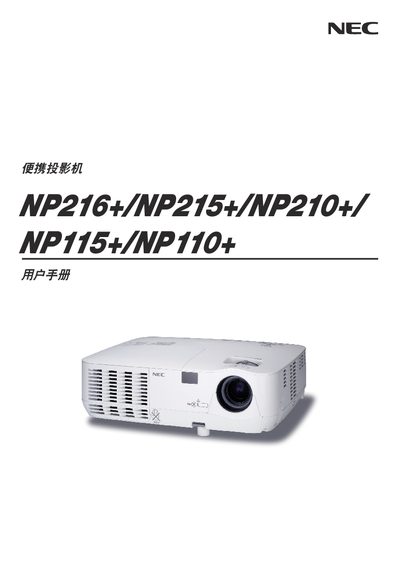
This manual provides safety warnings, installation guidelines, and operating instructions for NEC's portable projectors NP216+, NP215+, NP210+, NP115+ and NP110+. It covers proper handling, power connections, lamp replacement, and recommended usage environments.
The document also includes detailed specifications such as resolution, brightness, lamp power, projection distance, and input/output connectors, as well as troubleshooting tips, warranty information, and service options for the listed models. This manual is written in Chinese.
| Lamp Power | 180 W AC (160 W in eco mode) |
|---|---|
| Contrast Ratio | 2000:1 |
| Projection Distance | 46‑465 in (wide) / 52‑520 in (long‑throw) |
| Power Input | 200‑240 V, 50/60 Hz AC |
| LAN Port | 1 RJ‑45 (NP216+/NP215+ only) |
The projector operates on 200‑240 V AC at 50/60 Hz.
Yes, but only the NP216+ and NP215+ models have a built‑in RJ‑45 LAN port.
The wide‑angle projection distance ranges from 46 in to 465 in; the long‑throw range is 52 in to 520 in.