
This guide explains how to upgrade LabVIEW to version 8.0 on Windows, macOS, and Linux, covering upgrade steps, compatibility issues, and new features.
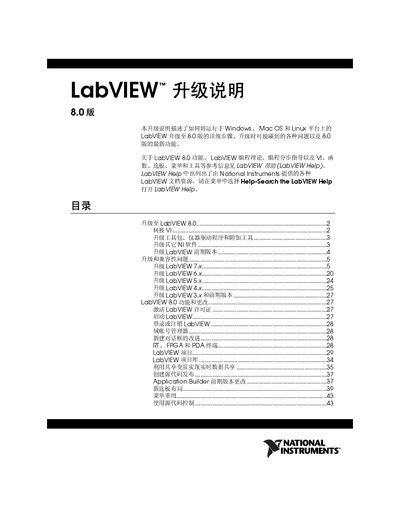
The LabVIEW 8.0 Upgrade Guide provides detailed procedures for converting existing VIs, installing required toolkits, and updating instrument drivers when moving to the new version. It also describes how to manage multiple LabVIEW installations on the same computer and how to preserve user libraries.
Key sections include conversion of VIs, required system resources, supported operating systems, changes to palettes and functions, and instructions for activating licenses and using new project features. The document also lists compatibility problems that may arise when upgrading from earlier LabVIEW releases. This manual is written in Chinese.
| Minimum RAM | 256 MB |
|---|---|
| Recommended RAM | 512 MB |
| Minimum disk space (full install) | 1.2 GB |
| Supported Windows OS | Windows XP x64 (limited driver support) |
A full installation requires at least 1.2 GB of disk space.
Open the VI in LabVIEW 8.0; the software will automatically convert and compile the VI, after which you should save it in the new version.
Select Help » Search the LabVIEW Help from the menu to open the LabVIEW Help documentation.