
National Instruments LabVIEW 7 Express User Manual

The LabVIEW 7 Express User Manual explains basic functions, creating VIs, front‑panel controls, debugging, and instrument communication.
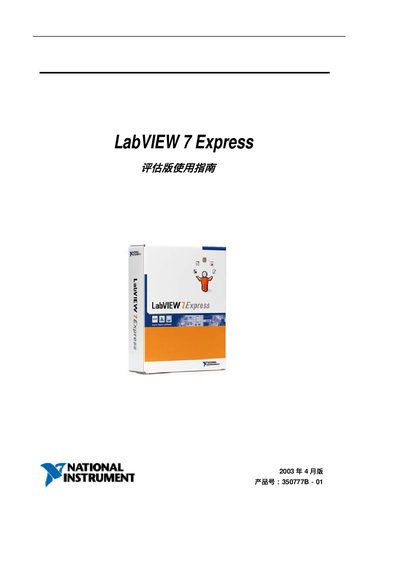

National Instruments LabVIEW 7 Express User Manual - cover page
Brand
National Semiconductor
Document type
User Manual
Language
Chinese
Pages
72
File format
PDF
File size
536 KB
Updated
05 October, 2026
MD5 checksum
6D07F07B68E1709FDDDC84AEB44F58A4

About this manual

This guide introduces LabVIEW 7 Express, a graphical programming environment for test and measurement. It covers how to start a new VI, use front‑panel controls, and build block diagrams.

The manual also describes Express VIs, data acquisition with NI‑DAQmx, instrument I/O assistants, and how to run, stop, and debug VIs. It provides step‑by‑step instructions and screenshots for each task. This manual is written in Chinese.

What's inside

  • Creating a New VI
  • Front Panel Controls
  • Block Diagram Editing
  • Express VIs
  • Data Acquisition (NI‑DAQmx)
  • Instrument I/O Assistant
  • Running and Stopping VIs
  • Debugging and Data Display

Frequently asked questions

How can you view the front panel and block diagram of a VI?

Use the Front Panel preview and Block Diagram preview commands from the View menu.

Download PDF (536 KB)

More National Semiconductor Manuals


View all National Semiconductor manuals →