
The LabVIEW 7 Express User Guide explains how to create, edit, and run virtual instruments in the LabVIEW environment.
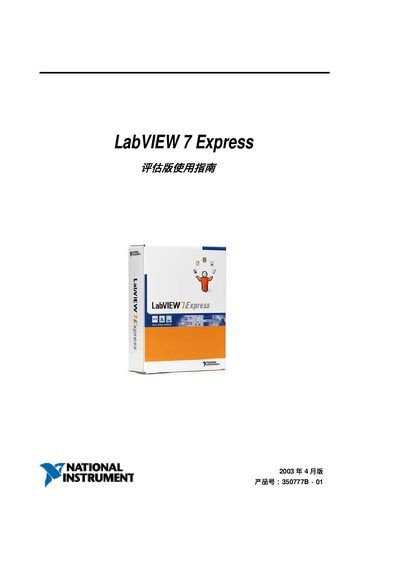
This guide provides step‑by‑step instructions for using LabVIEW 7 Express, covering topics such as opening a new VI, working with Express VIs, and configuring NI‑DAQmx modules. It includes detailed descriptions of the front‑panel and block‑diagram editors, as well as tips for data acquisition and instrument control.
The manual also contains reference information on LabVIEW’s built‑in functions, menu commands, and troubleshooting advice, helping users to develop and debug virtual instruments efficiently. This manual is written in Chinese.
Express VIs provide pre‑built functionality that can be quickly added to a LabVIEW program, as explained in the Express VIs section.