
This quick start guide covers unboxing, setup, and configuration for the MyGica ATV495Max Android TV box, including Wi-Fi connection and account setup.
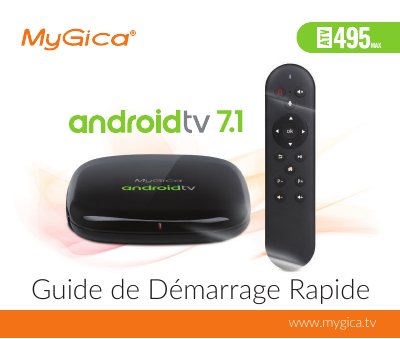
This document is a Quick Start Guide for the MyGica ATV495Max device. It provides step-by-step instructions for unboxing, connecting power and HDMI cables, and using the remote control. The guide details the initial setup process, including Bluetooth synchronization for the remote and language selection. This manual is written in French.
| Operating System | Android TV |
|---|---|
| USB Port | USB 2.0 |
| Remote Control Type | Bluetooth |
You can connect the ATV495Max to your Wi-Fi router on the configuration page. If your router requires a password, you must enter it.
You must carefully check the contents of the box by comparing the pieces with those listed on the packing list.
You should only connect the Ethernet cable if you are not using the WiFi.
This action will erase all data from the internal memory, including your Google account, system settings, music, photos, and other user data.