
Congratulations on purchasing your brand new MyGica ATV 582. Your Satisfaction is the foundation of our success. Follow this guide to setup your device. Before use, be sure to read the precautions contained in this User’s Guide. Keep the User’s Guide in a safe place for future reference. For the most up-to-date information about this product, visit the official website at www.mygica.com or www.mygicana.com Like us on Facebook: www.facebook.com/mygicana Follow us on Twitter: @mygicana MyGica ATV 582 is the world’s first GMS Google Certified 4K Quad Core Smart TV Box based on the ARM Cortex A9 AMlogic S802-B Quad Core Processor, paired with the Mali-450 Octa Core GPU and powered by the world’s current leading Android 4.4 KitKat Operating System. You now have full access to the Google Play Store allowing you to download all of your favorite android based applications, and installing them right onto your MyGica ATV 582 device. You also have access to our very own MyGica Store, which consists of pre-ap- proved android apps for your MyGica ATV 582. Alternatively, you can download android ap- plications from third party stores and sources and install them directly using an external storage device and the preloaded AppInstaller App. Your new MyGica ATV 582 comes with an Ethernet and WiFi connection, allowing you to connect to your home or office internet connection, as well many of your other devices all on
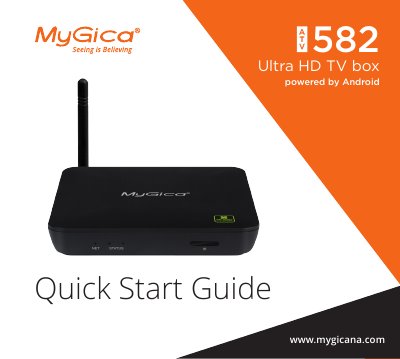
The MyGica ATV 582 is a GMS Google Certified 4K Quad Core Smart TV Box based on the ARM Cortex A9 AMlogic S802-B Quad Core Processor and Mali-450 Octa Core GPU, powered by Android 4.4 KitKat. It features built-in Ethernet and WiFi connectivity to share content among connected devices.
The default resolution setting when you first turn on your ATV 582 is 720p.
Press any button to wake up the remote control after it has been idle for one minute.