
MyGica ATV1960 User Manual

This manual introduces the functions of MyGica ATV1960, including setup, using the remote control, and installing applications.
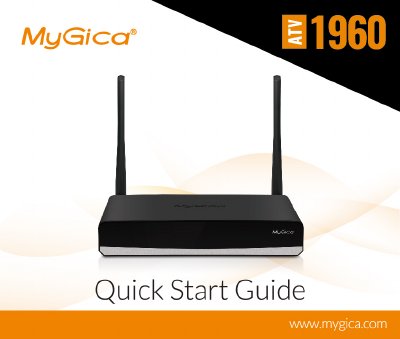

MyGica ATV1960 User Manual - cover page
Brand
Mygica
Category
Other Electronics
Document type
User Manual
Language
English
Pages
11
File format
PDF
File size
1.7 MB
Published
30 October, 2023
Updated
30 October, 2023
MD5 checksum
4761956196926E96EC60CC3144AF8D3E

About this manual

This user manual guides users through the setup and operation of the MyGica ATV1960 media player. It details the physical ports, including HDMI, USB, and LAN, and explains how to connect the device to a television and power source. The guide also covers the initial setup wizard and remote control usage.

What's inside

  • Hardware Ports
  • Remote Control
  • Initial Setup
  • Network Connection
  • Home Screen
  • App Management
  • Settings
  • Storage Management
  • Factory Reset

Frequently asked questions

What must be connected before using the remote?

The USB receiver must be connected to the ATV1960.

What is the default HDR display setting?

It is set to Auto.

Which applications cannot be uninstalled?

System applications cannot be uninstalled.

What happens if I select Erase everything?

All user data will be deleted and all settings will go back to default settings.

Download PDF (1.7 MB)

More Mygica Manuals


View all Mygica manuals →