
This manual introduces how to setup MyGica ATV 600.
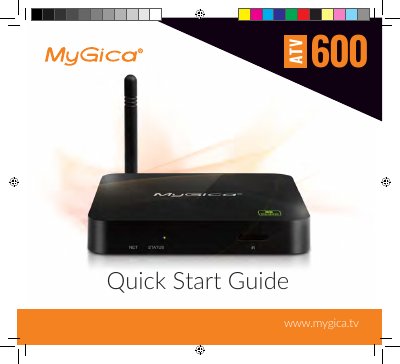
This guide walks you through connecting power, audio, and video, setting up Wi-Fi or Ethernet, and using the remote or Android device as a remote. It covers initial setup steps including language selection, display resolution, and accessing pre-installed apps like Google Play Store and MyGica Store.
The device runs Android 4.4 KitKat, supports HEVC/H.265, and includes a Mali-450 GPU. You can install apps from multiple sources and share content across devices on the same network.
| Processor | ARM Cortex A5 AMlogic S805 |
|---|---|
| GPU | Mali-450 Quad Core |
| Operating System | Android 4.4 KitKat |
| Video Output | Full HD HEVC H.265 |
Select your WiFi or Ethernet connection during setup (page 8).
Google Play Store, KODI Helix MyGica Edition, YouTube, MyGica Store, Netflix, and 4K Video Player.
Yes, scan the QR code with your Android device to use it as a remote.