
This document is the user's guide for the Dual HD ATSC/QAM USB Stick A682, which provides information on hardware connection, system requirements, decoder settings, recorded TV location, schedule recording, channel settings, etc. It is strongly recommended to install an outdoor antenna when using the DTV receiver indoors.
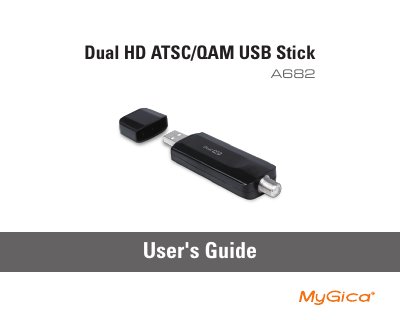
This document serves as the User's Guide for the MyGica A682 Dual HD ATSC/QAM USB Stick. It provides instructions on installing the necessary drivers and HiDTV software on Windows and Mac operating systems. The guide details how to connect the device, configure the dual tuner settings, and perform channel scans for ATSC (terrestrial) and QAM (cable) signals.
| Operating System (Windows) | Windows 7/8/10 |
|---|---|
| Operating System (Mac) | OS X 10.9 or later |
| Minimum RAM | 4GB |
| Minimum Processor | Quad core i5 7400 3.0Ghz or faster |
| Graphics Support | DirectX 9 or higher |
You should check your sound card or volume settings.
The device requires a Quad core i5 7400 3.0Ghz or faster processor, 4GB RAM for Windows, and OS X 10.9 or later for Mac.
You are strongly recommended to install an outdoors antenna when you use the DTV receiver indoors.
Check for ATSC/QAM broadcasting in your area, ensure the signal is not too weak by moving the antenna near a window, and try using an outdoor antenna.