
This manual provides installation, operation, and maintenance instructions for the Multimedia PLV-1080HD multimedia projector.
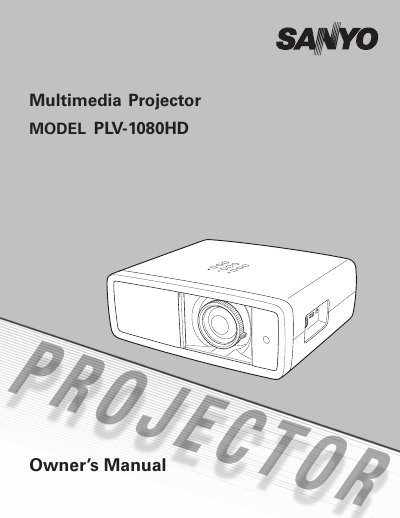
The Multimedia PLV-1080HD is a short-throw projector featuring a 2x zoom lens and lens shift for flexible installation. It supports multiple input sources including HDMI, S-Video, and component video, and offers a 16:9 wide screen resolution of 1920 x 1080. The device includes advanced features such as auto iris, color management, and automatic slide shutter protection.
| Resolution | 1920 x 1080 |
|---|---|
| Throw Distance | 9.8' to 20.0' |
| Zoom | 2x Short Throw |
| Languages | 16 |
The projector can throw a 100-inch diagonal image from a distance of 9.8 feet to 20.0 feet.
Yes, the automatic slide shutter protects the lens from dust and scratches by opening and closing automatically.
The projector has two HDMI terminals for simple connection with digital equipment.