
This document is a user manual for a multimedia LCD projector, which includes information about product features, usage instructions, installation settings, and basic operations.
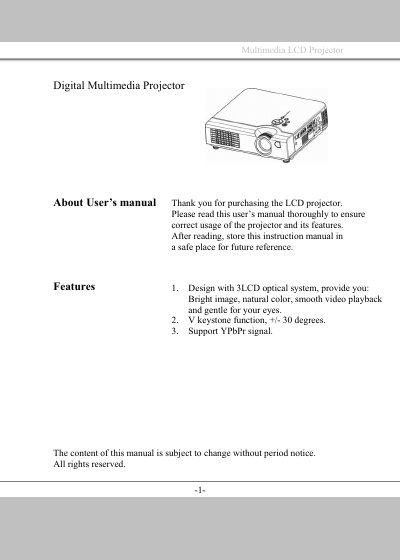
This manual covers the features of the Multimedia LCD projector, including its 3LCD optical system and WV keystone function. It details the names and functions of the projector parts, such as the main unit, keypad, and remote control.
The guide provides step-by-step instructions for installation, connecting various devices like desktop PCs and laptops, and adjusting the image. It also includes sections on basic operation, menu functions, and maintenance procedures like cleaning and lamp replacement.
| Optical System | 3LCD |
|---|---|
| Keystone Function | +/- 30 degrees |
| Supported Signal | YPbPr |
Immediately turn off the power switch and disconnect the power plug from the power outlet, then contact your dealer.
No, never open the cabinet as there is high voltage inside which can cause electrical shock; contact your dealer for repairs.
Check if the main power switch is turned on and if the power cord is connected to an AC power outlet.