
This manual introduces the usage and features of LCD projector
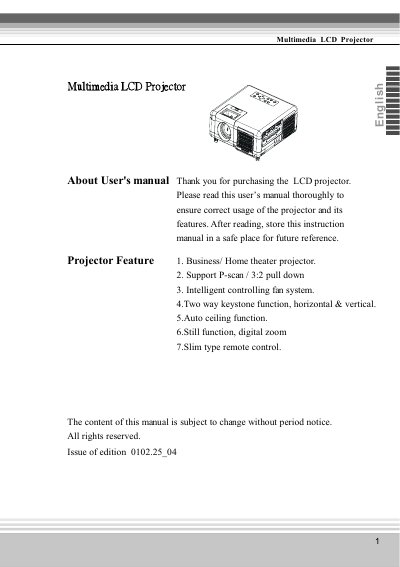
Thank you for purchasing the Multimedia LCD projector. This manual covers safety instructions, checking package contents, installation settings, and basic operations including turning on/off power and adjusting screen images via the menu system. It also details how to connect various devices such as desktop PCs, laptops, and video sources.
The guide includes sections on maintenance tasks like cleaning the lens and air filter, replacing the lamp, and troubleshooting common issues. Technical specifications are provided at the end of the document, covering resolution support (up to SXGA), input/output ports, power consumption, and physical dimensions.
| Projection Lens Type | 0.7" Poly Silicon TFT LCDx3True |
|---|---|
| Native Resolution | 1024x768 (XGA) |
| Projection Distance | 1.25~8.8m (4.1~28.9') |
| Power Consumption | 270Watts / 250Watts |
| Power Supply Range | 100V~240V, 50/60Hz |
The native resolution is XGA, which is 1024x768.
It supports NTSC, PAL, SECAM, and HDTV (1080i/720P/480P).
The projector includes Computer (DVI), Mini D-sub 15pin Monitor out, Audio in, Control (RS-232), S-Video, Video (RCA pin Jack), and USB connector.