
Operating instructions, safety guidelines, connection details and specifications for the Multimedia LM-32V8T and LM-42V8T LCD monitors.
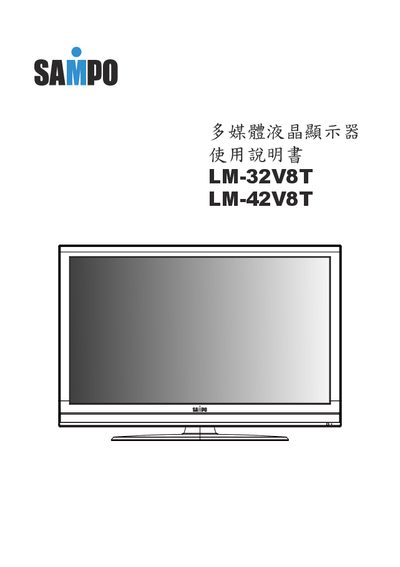
This manual provides safety warnings, proper handling, and step‑by‑step instructions for setting up and using the Multimedia LM‑32V8T and LM‑42V8T LCD monitors. It covers unpacking, optional accessories, panel controls, rear connector functions, basic operation, OSD menu navigation, and troubleshooting.
Technical specifications such as screen size, brightness, contrast, resolution, power requirements, dimensions and weight are listed, along with service contact information for the manufacturer. This manual is written in Chinese.
| Screen size | 32‑inch (LM‑32V8T) / 42‑inch (LM‑42V8T) |
|---|---|
| Static contrast ratio | 1450:1 (32‑inch) / 1500:1 (42‑inch) |
| Dynamic contrast ratio | 4900:1 |
| Response time | 5 ms (G‑to‑G) |
| Power supply | AC 110 V / 60 Hz |
| Typical power consumption | 135 W (32‑inch) / 180 W (42‑inch) |
| Weight (no stand) | 9.3 kg (32‑inch) / 15.5 kg (42‑inch) |
| Dimensions (no stand) | 790 × 95 × 530 mm (32‑inch) / 1016 × 97 × 655 mm (42‑inch) |
Turn off and unplug the monitor, then wipe the panel with a soft dry cloth; do not use spray cleaners or solvents.