
Operating manual for the MSA FL500 UV/IR flame detector, covering safety, installation, operation, maintenance, troubleshooting, and specifications.
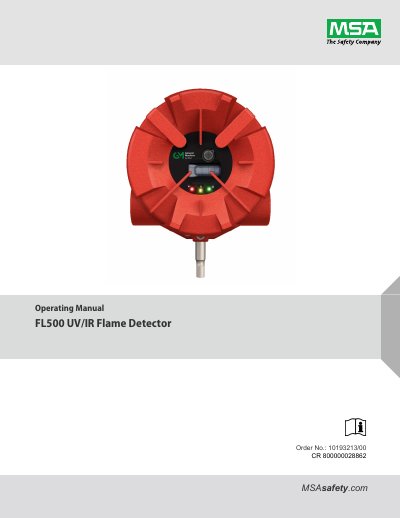
The MSA FL500 UV/IR Flame Detector Operating Manual describes the FL500 ultraviolet/infrared flame detector. The detector uses a UV radiation-sensitive phototube and an IR detector and sends signals to a microcomputer to activate Alarm Low, Alarm High, and Fault outputs.
The manual covers safety regulations, description, installation, operation, maintenance, storage, troubleshooting, specifications, and approvals. It also gives instructions for COPM, LED operation mode definitions, wiring and terminal connections, DIP switch and Modbus/HART settings, sensitivity checks, cleaning the optical window, annual maintenance, and returning the device for repairs.
| Analog output | 4 - 20 mA source or sink |
|---|---|
| Alarm Low output | Immediate |
| Alarm High output | Time-delayed |
| Modbus output | RS-485 Modbus RTU |
| HART communication | HART 7 |
| COPM check interval | Every 2 minutes |
It provides a 4 - 20 mA source or sink output.
COPM checks the optical path every 2 minutes.
The device activates a Fault output, including a de-energized fault relay.
The TL105 test lamp is used for the sensitivity check.