
Mitsubishi QJ71E71-100 Ethernet Module PanelMaster HMI Communication Setup

Instructions for configuring Mitsubishi Q Series Ethernet Module QJ71E71-100 to communicate with PanelMaster HMI.
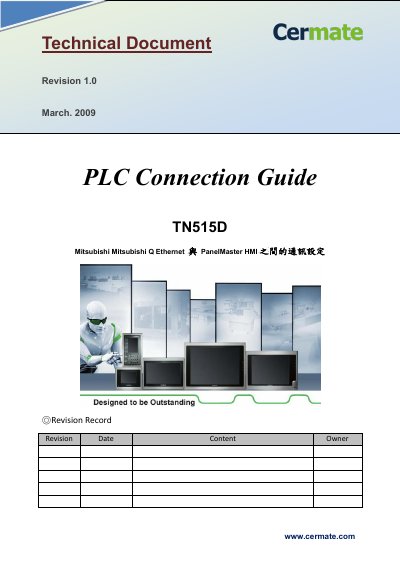

Mitsubishi QJ71E71-100 Ethernet Module PanelMaster HMI Communication Setup - cover page
Brand
Mitsubishi
Document type
User Manual
Language
Chinese
Pages
7
File format
PDF
File size
881 KB
Published
04 November, 2026
Updated
04 November, 2026
MD5 checksum
11B0D1F382F62265AA68F996EE9EAD2E

About this manual

This guide explains how to connect the Mitsubishi Q Series Ethernet Module (QJ71E71-100) to a PanelMaster HMI. It covers PLC setup using GX Developer software version 7 or higher, including Ethernet module installation, IP address configuration, and protocol settings. The HMI side requires matching communication parameters and selecting the correct device driver.

The document includes detailed steps for configuring both the PLC and HMI, ensuring proper communication between the two devices. Memory address rules for bit and word devices are also specified, with bit addresses needing to be multiples of 16. This manual is written in Chinese.

What's inside

  • Ethernet Module Installation
  • GX Developer Network Parameter Setup
  • IP Address Configuration
  • Protocol Settings
  • HMI Device Selection
  • Communication Parameter Matching
  • Memory Address Rules

Frequently asked questions

What is the Ethernet module model?

QJ71E71-100.

What driver is needed for the HMI?

C2BE11.dll / C2BE11.mod.

What are the memory address rules for bit devices?

Bit addresses must be multiples of 16.

Download PDF (881 KB)

More Mitsubishi Manuals


View all Mitsubishi manuals →