
This manual provides operating instructions and precautions for using Mitsubishi variable frequency drives. It emphasizes the importance of proper usage to avoid accidents. The manual includes safety precautions for preventing electric shocks, fires, damages, and other accidents. It also covers installation and wiring details.
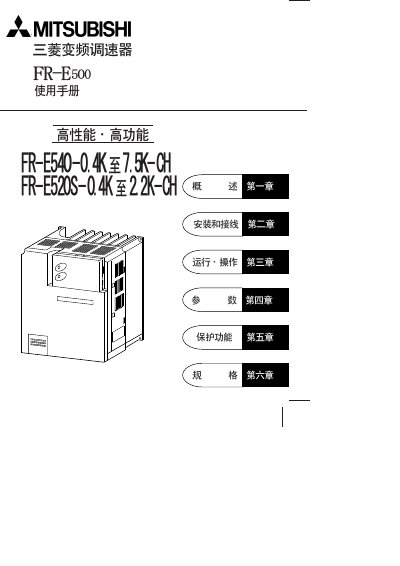
This manual provides operating instructions and safety precautions for the Mitsubishi FR-E500 series inverter. It covers installation, terminal and control circuit wiring, operation panel use, operating modes, and detailed parameter descriptions.
The manual also includes protection functions and troubleshooting, maintenance and inspection guidance, standard specifications, dimension drawings, a data code table, and notes on using communication options. This manual is written in Chinese.
| Ambient temperature | -10°C to +50°C (no icing) |
|---|---|
| Ambient humidity | 90%RH or less (no condensation) |
| Storage temperature | -20°C to +65°C |
| Installation altitude | 1000 m or less |
| Vibration | 5.9 m/s2 or less (JIS C 0040) |
| Operation panel | FR-PA02-02 |
| Parameter unit | FR-PU04 |
Use the inverter at -10°C to +50°C with humidity of 90%RH or less, without condensation, at altitudes of 1000 m or less.
Wait 10 minutes after disconnecting power, then use a multimeter or similar instrument to confirm that residual voltage has disappeared.
Parameter reset or all-clear returns parameters to factory settings, so the necessary parameters must be set again before running.
The manual covers the FR-PA02-02 operation panel and the FR-PU04 parameter unit.