
Instruction book for the Mitsubishi Mr. SLIM Air Conditioners PAR-21MAA remote controller, covering safety precautions, operation, and specifications.
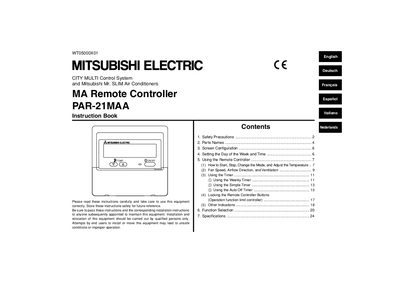
This document serves as an instruction book for the Mitsubishi Mr. SLIM Air Conditioners PAR-21MAA Remote Controller (WT05000X01). It provides essential information on safety precautions, parts identification, screen configuration, and setting procedures such as day of the week and time.
The guide details how to use the remote controller for starting/stopping operations, changing modes, adjusting temperature, controlling fan speed and airflow direction, and utilizing various timer functions including Weekly, Simple, and Auto Off timers. It also covers function selection, locking buttons, and troubleshooting indications.
| Product Name | Mitsubishi Mr. SLIM Air Conditioners MA Remote Controller |
|---|---|
| Model Number | PAR-21MAA |
Use only when ambient temperature is within the limits indicated in the instructions, specifically between 0 °C and 40 °C if no other limits are shown.
The remote controller will display the “Not Available” message.
Hold down both the Mode button and the Timer On/Off button for 2 seconds to begin changing screens.