
Quick start guide for the Magellan TRX7 CS Pro off-road GPS navigator, covering installation, software setup, and basic operation.
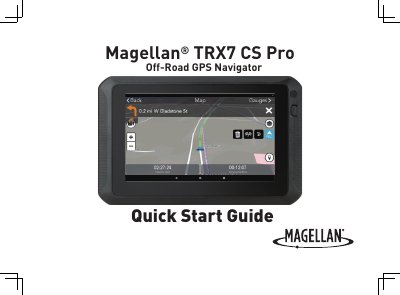
The Magellan TRX7 CS Pro is an off-road vehicle navigation aid designed to assist drivers in following routes and reaching destinations. It features a touchscreen interface, camera capabilities, and connectivity options for syncing with the TRX Trailhead account. The device supports various mounting options for vehicles and ATVs/OHMs.
| Maximum Operating Temperature | 140°F (60°C) |
|---|---|
| Minimum Distance for RF Radiation | 20 centimeters |
Tap Settings from the TRX Dashboard, then tap Updates > Software Update or Map Update and follow the instructions.
Tap Settings from the TRX Dashboard, then tap Account Profile, enter your details, and tap Create Account.