
The Kodak EasyShare DX4530 user manual provides setup, shooting, and troubleshooting instructions for this digital camera.
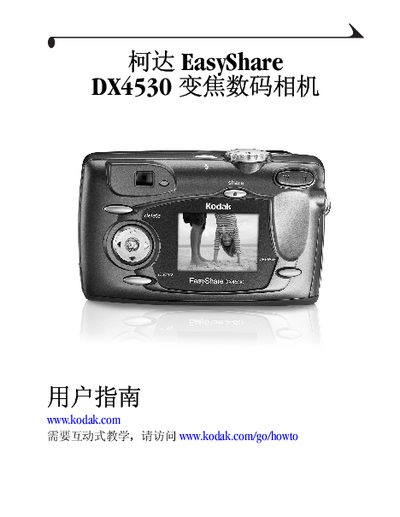
This manual provides step-by-step instructions for using the Kodak EasyShare DX4530 digital camera. It covers basic setup, shooting modes, viewing photos and videos, customizing settings, connecting to a computer, and troubleshooting common issues. The camera features a 1.8-inch LCD screen, USB connectivity, and supports both internal and SD/MMC memory cards. This manual is written in Chinese.
| Screen Size | 1.8 inch |
|---|---|
| Resolution | 72,000 pixels |
| Communication | USB |
| Dimensions | 4.3 in x 1.5 in x 2.6 in |
| Weight | 7.4 oz |
| File Format | JPEG/EXIF v2.2 for stills, Quicktime for video |
The screen has a 72,000-pixel resolution.
Still images are saved in JPEG/EXIF v2.2, and videos in Quicktime format.
Use the camera’s menu to format the internal memory or SD/MMC card.