
The JUMO SVS3000 is a plant visualization software used for creating customer-specific applications for process data visualization, alarms, and documentation.
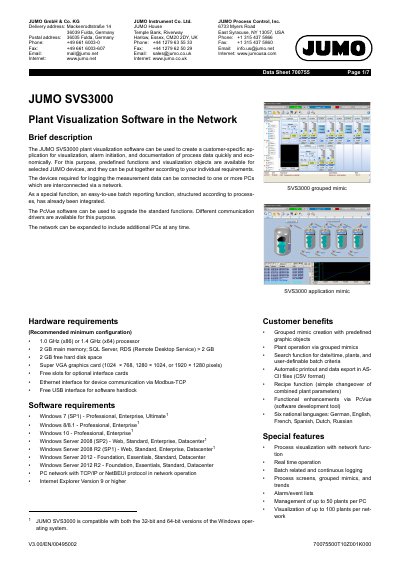
The JUMO SVS3000 plant visualization software allows for the economical creation of applications for visualization, alarm initiation, and process data recording. It utilizes predefined functions and visualization objects for selected JUMO devices, which can be combined based on individual requirements.
The software supports network connectivity, allowing it to be expanded to multiple PCs. It includes a built-in batch reporting function and can be further upgraded using PcVue software for enhanced functionality.
| Processor | 1.0 GHz (x86) or 1.4 GHz (x64) |
|---|---|
| Main Memory | 2 GB (SQL Server, RDS > 2 GB) |
| Hard Disk Space | 2 GB free |
| Graphics Card | Super VGA (1024x768, 1280x1024, or 1920x1280 pixels) |
| Max plants per PC | 50 |
| Max plants per network | 100 |
It is compatible with Windows 7 (SP1), Windows 8/8.1, Windows 10 (Professional, Enterprise, Ultimate), and various versions of Windows Server 2008, 2008 R2, 2012, and 2012 R2.
A maximum of 300 recipes with up to 200 different variables can be defined for each plant.
The software supports six national languages: German, English, French, Spanish, Dutch, and Russian.