
This manual introduces the safety guide, usage methods and precautions of the LQ-300KIII printer. Please read it carefully to ensure correct use of the printer.
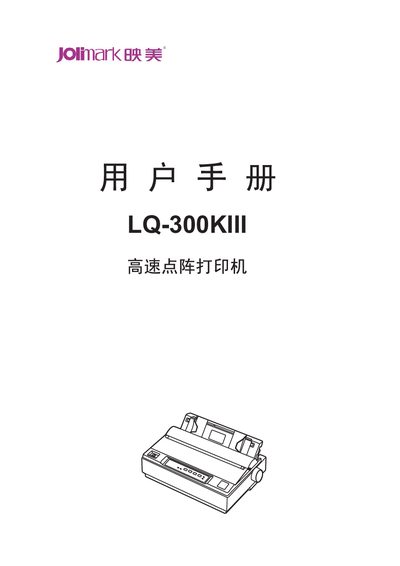
This manual covers all aspects of using the Jolimark LQ-300KIII 24‑pin 80‑column dot‑matrix printer. It begins with safety instructions, then walks you through unpacking, installing the printer, connecting power and interfaces, and loading various paper types.
Later sections describe the control panel functions, detailed printing commands, troubleshooting common issues, routine maintenance, and full technical specifications such as printing speed, interface options and power consumption. This manual is written in Chinese.
| Printing method | 24‑needle dot‑matrix impact |
|---|---|
| Print width | 80 columns (10 cpi) / 203.2 mm |
| Print speed (normal mode) | 90 CPS |
| Interfaces | Parallel (Centronics), USB 2.0 Full‑Speed, RS‑232C serial |
| Power consumption (working) | 47 W |
| Dimensions | 366 mm × 275 mm × 156 mm |
Close the power, open the printer cover, rotate the ribbon knob to tighten the ribbon, insert the ribbon box into the slots and press down until it clicks into place.
Turn on the printer, load paper, then press and hold the 【换行/换页】 and 【撕纸位】 keys together until the power and online LEDs flash, which enters the LQ alignment mode; use 【进纸/退纸】 and 【换行/换页】 keys to shift rows left or right, then store the setting with the 【联机】 key.