
Johnson Controls T-Gen2 60W/120W Emergency Warning System User Interface Operating Manual

Operating manual for the T-Gen2 60W/120W emergency warning system user interface, covering modes, buttons, indicators, and voice paging.
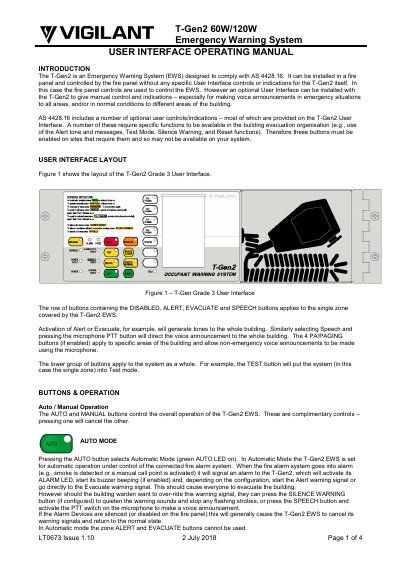

Johnson Controls T-Gen2 60W/120W Emergency Warning System User Interface Operating Manual - cover page
Brand
Johnson Controls
Category
Other Electronics
Document type
User Manual
Language
English
Pages
4
File format
PDF
File size
241 KB
Published
12 November, 2026
Updated
12 November, 2026
MD5 checksum
150E6FDEDB3B7C7B3B5B3C745D4393CA

About this manual

The T-Gen2 is an emergency warning system designed to comply with AS 4428.16 and can be controlled by a connected fire panel. An optional user interface provides manual control and indications, including emergency speech announcements and paging to building areas.

The manual describes automatic and manual modes, zone alert and evacuate controls, speech, silence, reset, test mode, paging, zone disable, and configurable user buttons.

What's inside

  • Introduction
  • User interface layout
  • Auto/Manual operation
  • Zone alert and evacuate
  • Speech
  • Silence buzzer
  • LED test
  • Silence warning
  • Reset
  • Test mode

Frequently asked questions

How is automatic mode selected?

Pressing the AUTO button selects automatic mode and turns on the green AUTO LED.

How are emergency speech announcements made?

Press the SPEECH button, then press the microphone PTT switch to speak to the zone.

What happens in test mode?

The system operates normally, but warning sounds and strobe outputs are disabled.

How is a zone disabled?

Pressing the zone DISABLED button disables or enables the zone.

Download PDF (241 KB)

More Johnson Controls Manuals


View all Johnson Controls manuals →