
This user guide covers the setup, operation, and troubleshooting for the JBL Radial high-performance loudspeaker dock designed for iPod and other audio sources.
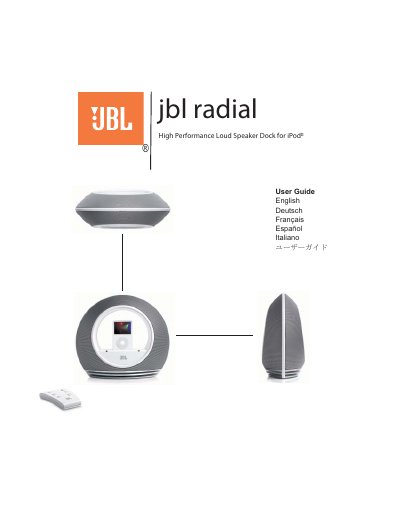
The JBL Radial is a compact, 2.1 channel audio system designed as a complete iPod docking station. It features proprietary technologies such as Halo acoustics for a 360-degree sound field, Hercules and Odyssey transducers, and digital signal processing for clean, powerful sound. The system supports iPod video pass-through to a TV or monitor via S-Video output.
| System Type | 2.1 channel audio system |
|---|---|
| Remote Range | up to 20 ft |
| Power Input | 24Vdc |
| Audio Output | S-Video |
Yes, the JBL Radial is compatible with all docking versions of the iPod.
Yes, the system provides power to charge the iPod even when not connected to the computer or when the system is off.
Distortion may be caused by noise from interference sources like monitors or cell phones, or if the JBL Radial is overdriven by an amplified audio source.