
User manual for the JBL Bar 3.1 soundbar system, covering setup, HDMI/optical/AUX connections, Bluetooth, sound settings, specifications and troubleshooting.
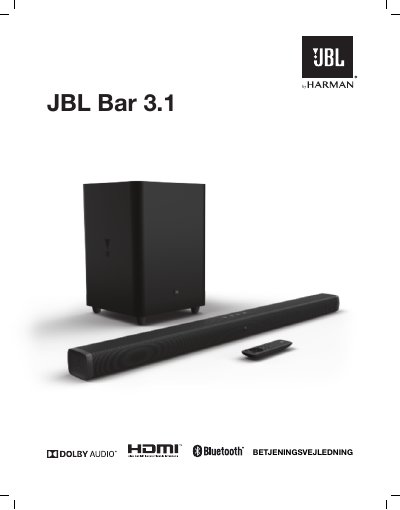
The JBL Bar 3.1 is a soundbar system designed for home entertainment audio. The guide explains the product, the items supplied in the box and step-by-step setup, including connecting the soundbar to a TV and other devices.
The manual covers HDMI ARC, optical and AUX connections, Bluetooth pairing, USB playback and Soundshift. It also describes sound settings, TV remote control response, system options, product specifications and troubleshooting.
Connect the soundbar to the TV with an HDMI cable using HDMI OUT (ARC) on the soundbar and HDMI (ARC) on the TV, and check that HDMI CEC is turned on.
Enter 0000 if a PIN code is requested while connecting a Bluetooth device.
Turn on the soundbar and subwoofer, press CONNECT on the subwoofer, then hold DIM DISPLAY for 5 seconds and briefly press BASS+ followed by BASS-.
Connect a 2.0 USB drive to the soundbar and press SOURCE repeatedly until USB appears on the display.