
This manual provides instructions for charging, pairing, and using the Jabra BT350 Bluetooth headset, including troubleshooting tips.
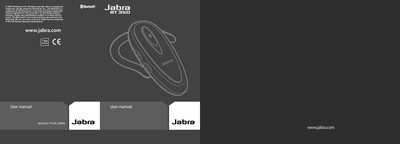
The Jabra BT350 is a rechargeable Bluetooth headset designed to allow hands-free calling. It features an LED indicator that displays battery status (red) or mode (blue/green), as well as volume controls and a dedicated answer/end button for call management.
To get started, charge the headset until the light turns solid green. Pairing with a mobile phone requires putting the headset in pairing mode by holding the answer/end button until a solid blue light appears, then confirming the connection on your phone using the passkey 0000.
| Talk time | 7 hours |
|---|---|
| Standby time | 200 hours |
| Weight | 18g |
| Operating range | 33 feet (10 meters) |
| Bluetooth version | 1.2 |
The passkey or PIN required for pairing is 0000 (4 zeros).
Press both volume up and down buttons at the same time to mute, which triggers a low beep alert.