
This document is the user manual for Jabra bT2070 Bluetooth headset, which introduces the functions, usage, charging, pairing, and troubleshooting of the headset.
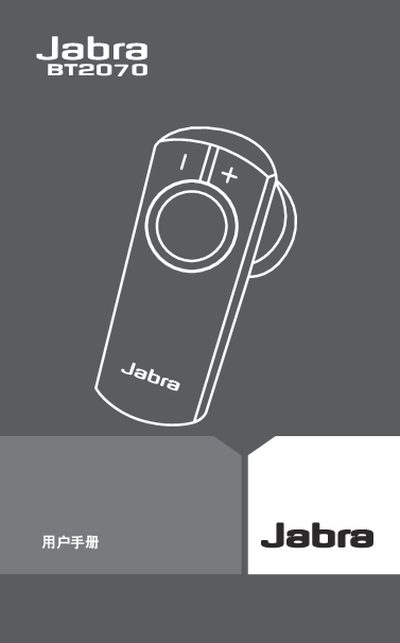
This manual explains how to use the Jabra BT2070 Bluetooth headset, covering features such as call handling, voice dialing, and volume control. It includes step‑by‑step instructions for charging, powering on/off, pairing with a phone, and wearing the headset.
Additional sections cover indicator light meanings, common troubleshooting issues, warranty information, safety certifications, and a glossary of terms. The guide is intended for end users to get the most out of their headset.
| Talk time | 5½ hours |
|---|---|
| Standby time | 200 hours |
| Dimensions | 42.4 mm × 18.4 mm × 27.9 mm |
| Bluetooth version | 2.0 + eDR |
| Maximum range | 10 m (≈33 ft) |
| Encryption | 128‑bit |
Connect the supplied AC adapter to a power outlet and plug it into the headset’s charging socket; the LED will stay lit while charging and flash four times when fully charged.
Turn the headset on; it automatically enters pairing mode with the LED steady. On your phone, enable Bluetooth, look for “Jabra BT2070”, and confirm pairing using PIN 0000 if prompted.
A steady light means the headset is charging, a slow single flash indicates pairing mode, a slow triple flash shows it is connected, and four rapid flashes signal low battery.
The headset comes with a one‑year limited warranty covering material and workmanship defects.