
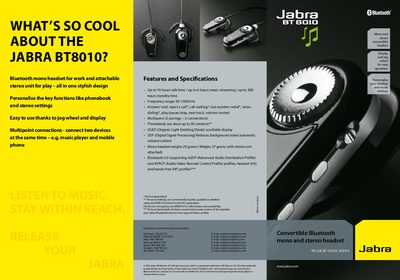
The Jabra BT8010 is a convertible Bluetooth headset that can be used as a lightweight mono unit for work or with an attachable stereo module for music playback. It offers a jog wheel, OLED display, multipoint connections, and up to 10 hours of talk time.
The guide provides step‑by‑step instructions for charging, entering pairing mode, and connecting the headset to a phone or other Bluetooth device, including the default PIN (0000) and how to switch between mono and stereo modes.
| Talk time | up to 10 hours |
|---|---|
| Music streaming time | up to 6 hours |
| Frequency range | 50‑15000 Hz |
| Phonebook capacity | 30 contacts |
| Display type | OLED scrollable display |
| Weight (mono) | 23 g |
| Weight (mono + stereo) | 37 g |
| Multipoint connections | 2 devices simultaneously |
Slide the On/Off/Pairing button forward until the display shows “Pairing mode”, then release the button.
Enter the passkey 0000 (four zeros) when prompted.
The phonebook can store up to 30 contacts.