
User guide for the InFocus M2+ projector covering setup, connections, image adjustment, menus, maintenance, and troubleshooting.
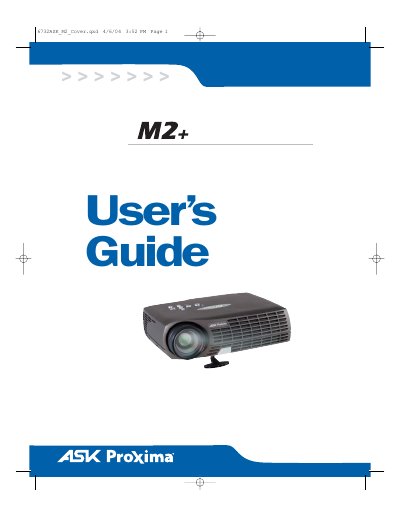
The InFocus M2+ is a portable projector designed for connectivity and collaboration. This guide explains its setup, connections, basic image adjustment, on-screen menus, maintenance, and troubleshooting.
The projected image has XGA resolution of 1024x768, and the projector is compatible with screen resolutions up to 1280x1024. It also includes safety instructions, operating considerations, and warranty information.
| Projected image resolution | 1024 x 768 (XGA) |
|---|---|
| Maximum compatible screen resolution | up to 1280 x 1024 |
| Automatic image expansion | 640x480 and 800x600 images to 1024x768 |
The projected image has XGA resolution of 1024x768, and the projector is compatible with screen resolutions up to 1280x1024.
Reset it to a lower resolution before connecting the projector.
The shipping box includes the projector with lens cap, remote control with batteries, user's guide, quick start card, CD, audio/video cable, power cord, audio cable, computer cable, and a country-dependent SCART adapter.
Turn the projector off, disconnect the power cord, and wait 60 minutes before opening the lamp housing.