
This user manual covers setup, operation, maintenance, and technical specifications for InFocus digital projectors including models IN112x through DS19HDx.
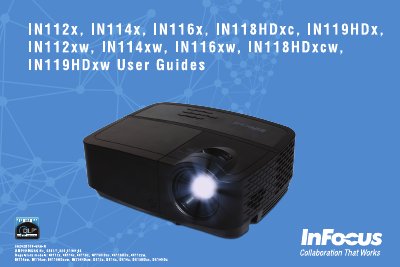
This manual provides instructions for setting up and operating InFocus digital projectors, covering connections for computers and video devices, image adjustment, and the use of remote controls and keypad buttons. It includes guidance on optimizing images for both computer presentations and video playback.
| Native Resolution (IN112x/IN112xw) | SVGA 800 x 600 |
|---|---|
| Native Resolution (IN114x/IN114xw) | XGA 1024 x 768 |
| Native Resolution (IN116x/IN116xw) | WXGA 1280 x 800 |
| Native Resolution (IN118HDxc/IN119HDx) | 1080p 1920 x 1080 |
| Input Ratings | 100-240Vac, 2.6A, 50-60Hz |
Place the projector in a horizontal position no greater than 15 degrees off axis and locate it at least 4' (1.2m) away from any heating or cooling vents.
The projector uses a high-pressure mercury glass lamp which contains mercury and may fail prematurely or rupture if jolted or handled while hot.