
User manual for the InFocus Advanced LCD Series projector, covering setup, OSD menus, connections, maintenance, troubleshooting, and specifications.
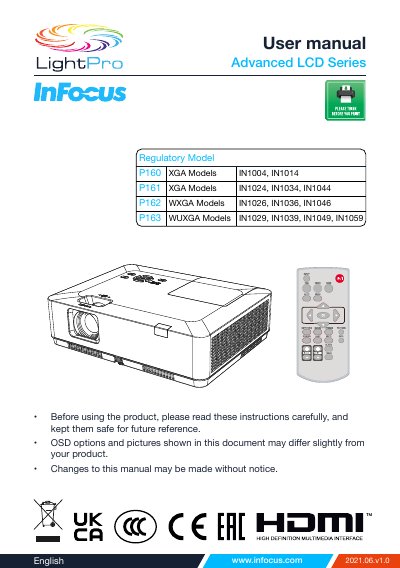
This InFocus Advanced LCD Series user manual describes the projector's features, controls, terminals, remote control, installation, image adjustment, and cable connections. It also explains how to power the projector on and off, operate the on-screen display (OSD), select inputs, adjust image and sound settings, and use network control.
The document includes safety instructions, maintenance and cleaning procedures, lamp replacement, troubleshooting, the menu tree, compatible computer screen information, terminal configuration, dimensions, technical specifications, RS232 control, and regulatory and warranty notices.
| Color depth | 1.07 billion colors |
|---|---|
| Maximum accepted resolution | WUXGA |
| Menu languages | 26 languages |
Up to WUXGA resolution can be accepted.
The screen menu is available in 26 languages.
It lets you lock operation on the control panel or remote control.
It reduces power consumption and maintains the lamp life.