
Quick installation guide for the IEI HYPER-BW Pico-ITX single board computer with Intel Pentium/Celeron/Atom SoCs, dual Mini HDMI, M.2, USB 3.0, and 12V DC…
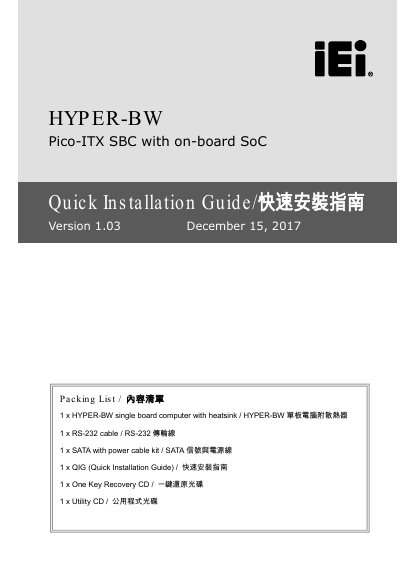
The guide covers packing list, specifications, connector pinouts, dimensions, safety instructions, and compliance for the HYPER-BW series of Pico-ITX single board computers. It includes multiple variants with Intel Pentium N3710, Celeron N3160/N3060/N3010, and Atom x5-E8000 processors.
The board features dual Mini HDMI outputs, one RJ-45 Ethernet, USB 3.0 and 2.0 ports, RS-232, SATA 6Gb/s, M.2 2242 B-Key, and 12V DC power input with AT/ATX mode selection. Operating temperature range is -20°C to 60°C, and the board measures 100 mm x 72 mm.
| SoC Options | Intel Pentium N3710, Celeron N3160/N3060/N3010, Atom x5-E8000 |
|---|---|
| BIOS | AMI UEFI BIOS |
| Memory | One 204-pin DDR3L SO-DIMM slot, up to 8 GB |
| Graphics | Intel HD Graphics Gen 8, 16 EUs, DX11.1/OpenGL 4.2/OpenCL 1.2 |
| Display Output | Dual independent Mini HDMI up to 3840x2160@30Hz |
| Ethernet | Realtek RTL8111 controller, one RJ-45 |
| Watchdog Timer | Software programmable 1-255 sec system reset |
| Audio | HD Audio via 10-pin header |
| Serial Ports | One RS-232 via pin header |
| USB Ports | 1x USB 3.0 rear, 3x USB 2.0 (1 rear, 2 header) |
| Expansion | M.2 2242 B-Key |
| SATA | One SATA 6Gb/s with 5V power, no RAID |
| Power Supply | 12V DC only, AT/ATX mode |
| Power Consumption | 12V @ 1.52A (N3710 with 8GB DDR3L) |
| Operating Temperature | -20°C to 60°C |
| Storage Temperature | -30°C to 70°C |
| Humidity | 5% to 95% non-condensing |
| Dimensions | 100 mm x 72 mm |
| Weight | Gross 600 g, Net 250 g |
The operating temperature range is -20°C to 60°C.
The board requires 12V DC input only and supports AT/ATX mode.
Press the clear CMOS button (J_CMOS1) to clear CMOS.
The board provides dual independent displays via two Mini HDMI ports up to 3840x2160@30Hz.