
ICP DAS ISaGRAF advanced manual chapter on Ethernet communication and security protection for Wincon and I-series controllers.
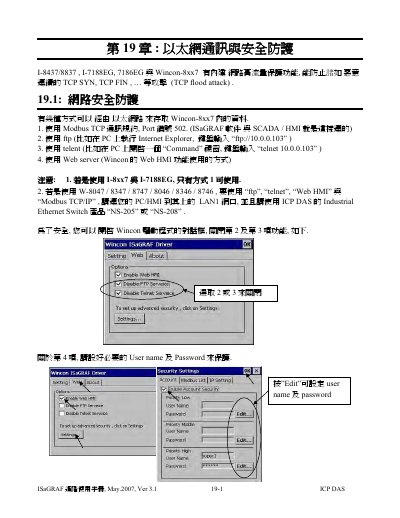
This chapter of the ICP DAS ISaGRAF advanced manual covers Ethernet communication and security protection for I-8437/8837, I-7188EG, 7186EG and Wincon-8xx7 controllers. It describes access methods such as Modbus TCP, FTP, Telnet and Web HMI, and how to restrict access.
It also explains UDP and TCP/IP Client functions, including virtual I/O board parameters, send and receive functions, buffer sizes, driver version requirements and example programs. This manual is written in Chinese.
| Modbus TCP port | 502 |
|---|---|
| UDP recommended port range | 1000 to 65535 |
| UDP default port | 12001 |
| UDP send time gap | 10 to 5000 ms |
| UDP receive buffer size | 8192 bytes for W-8xx7; 2048 bytes for I-7188EG and I-8437/8837 |
| UDP send buffer size | 2048 bytes for W-8xx7 |
| TCP/IP Client support | From driver version 3.36 |
| TCP/IP Client receive buffer size | 4096 bytes |
| TCP/IP Client time to sleep | 0, or 10 to 600 seconds |
| Recommended Ethernet switch | ICP DAS NS-205 or NS-208 |
The default UDP port is 12001.
The W-8xx7 UDP receive buffer is 8192 bytes, while I-7188EG and I-8437/8837 use 2048 bytes.