
HT HT554TM-A2 DVD Home Theater System User Manual

This user manual provides instructions for setting up, connecting, and operating the HT HT554TM-A2 DVD home theater system.
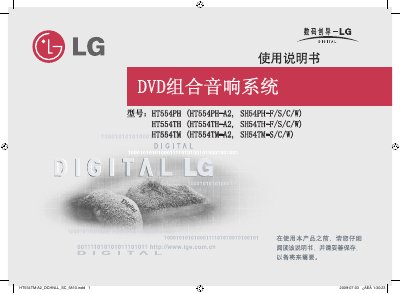

HT HT554TM-A2 DVD Home Theater System User Manual - cover page
Brand
HT
Document type
User Manual
Language
Chinese
Pages
22
File format
PDF
File size
3.5 MB
Published
16 October, 2026
Updated
16 October, 2026
MD5 checksum
BC022A0870773949D415DC2A8CBED344

About this manual

The HT HT554TM-A2 is a DVD home theater system that supports various input sources including AM/FM radio, USB devices, portable players, and external audio inputs. The manual details how to connect speakers, video cables (HDMI, Component), and antennas to the unit.

Operation covers using the remote control for playback functions like play, pause, skip, and scan. Users can adjust settings such as sound modes (EQ), subtitle languages, and display resolution. The system also features SIMPLINK compatibility with LG TVs for enhanced control. This manual is written in Chinese.

What's inside

  • Setting up speakers
  • Connecting the unit
  • Remote control functions
  • OSD initial language setting
  • Initial settings (Region code)
  • Adjusting sound modes
  • Playing discs or files
  • Listening to radio stations
  • Troubleshooting
  • Specifications

Frequently asked questions

What is the maximum distance allowed for using the HDMI cable?

The HDMI cable must be used within a range of 5 meters.

How many sound modes can be selected using the EQ button?

You can choose from 6 or 7 sound modes.

Download PDF (3.5 MB)

More HT Manuals


View all HT manuals →