
This guide provides troubleshooting steps for HP LaserJet 2400 series printers on Mac OS 9.x and Mac OS X.
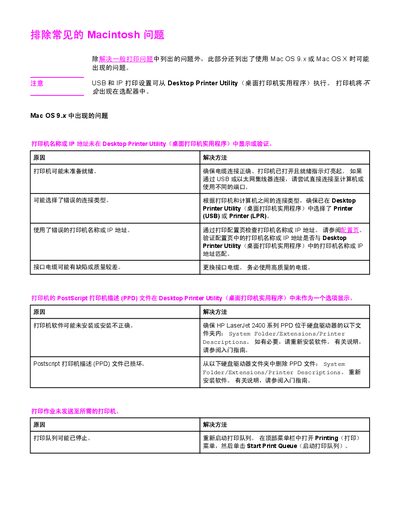
The document offers detailed troubleshooting procedures for HP LaserJet 2400 series printers when used with Macintosh computers. It covers common connection problems, printer‑queue issues, and driver (PPD) installation on both Mac OS 9.x and Mac OS X.
Typical problems addressed include USB or Ethernet cable faults, incorrect printer or IP settings, missing or corrupted PPD files, background printing options, and font handling for EPS files. Each issue is paired with step‑by‑step solutions to restore normal printing operation. This manual is written in Chinese.
Make sure the printer is powered on, the cable is securely connected, and the correct connection type (USB or IP) is selected in Desktop Printer Utility. Also verify that the HP LaserJet 2400 PPD file is installed in the proper system folder.
Delete the damaged PPD file from the system folder and reinstall the printer software, which will place a fresh PPD file in the correct directory.
Before printing, download the fonts embedded in the EPS file to the printer and send the file in ASCII format instead of binary code.