
User guide for the HP LaserJet Pro 200 Color M251n and M251nw printers covering setup, printing, networking, maintenance and troubleshooting.
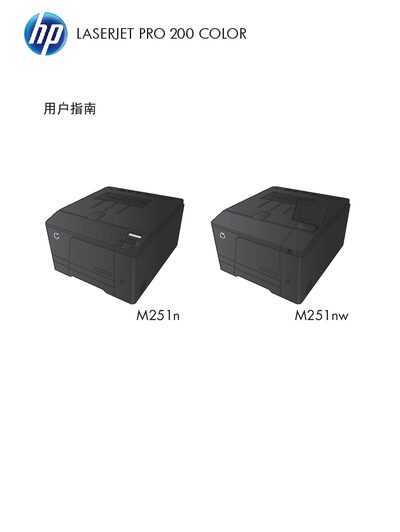
This guide provides an overview of the HP LaserJet Pro 200 Color M251n/M251nw printers, including hardware layout, paper tray configuration, and supported media types. It also explains how to install drivers, configure network settings, and use the control panel for everyday printing tasks.
The manual includes detailed instructions for routine maintenance, toner replacement, firmware updates, and a step‑by‑step troubleshooting checklist to resolve common issues such as paper jams, low toner, and connectivity problems. This manual is written in Chinese.
| Supported paper size – Letter | 216 × 279 mm |
|---|---|
| Supported paper size – A4 | 210 × 297 mm |
| Supported envelope – DL | 110 × 220 mm |
| Minimum custom media size | 76 × 127 mm (3 × 5 in) |
| Maximum custom media size | 216 × 356 mm (8.5 × 14 in) |
Press OK after removing the jammed paper from tray 1 as instructed on the control panel.