
Chinese quick start guide for the Honeywell HH400 handheld 2D imager scanner, covering connection, reading tips, reset, interface, and line-ending settings.
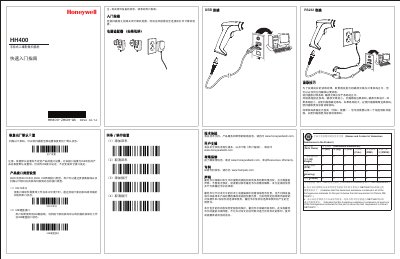
This quick start guide for the Honeywell HH400 handheld 2D imager scanner explains how to connect the scanner, aim it at barcodes, restore factory defaults, select RS232 serial or USB HID interface settings, and configure carriage return and line feed. It also includes a hazardous-substances table, technical assistance contacts, user documentation links, warranty and patent information, and a legal statement.
The document states that the scanner supports RS232 serial and USB HID interfaces, and that the interface can be changed by using the corresponding cable and scanning the matching barcode. It notes that restoring factory defaults does not change the product's interface setting. This manual is written in Chinese.
| Interface Types | RS232 serial; USB HID |
|---|
The HH400 supports RS232 serial and USB HID interfaces.
No. The guide states that restoring defaults does not change the product's interface setting.
It should be placed at the center of the barcode.
Turn off the computer before connecting the scanner.