
The Honeywell ScanPal EDA60K-0 User Guide covers features, battery, charging, scanning, and specifications for the Android 7.1 handheld computer.
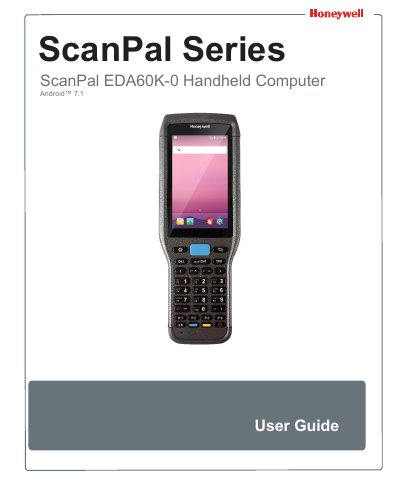
This user guide describes the Honeywell ScanPal EDA60K-0 handheld computer, an Android 7.1 OS smart terminal for enterprise users. It covers product features, battery and charging, user interface, scanning functions, keyboard input, configuration, and maintenance.
The guide also lists physical and environmental specifications, supported barcode symbologies, and scan depth of field data. Technical support contacts, warranty information, and service center details are provided at the end.
| Operating system | Android 7.1 OS |
|---|---|
| Memory | 2 GB dynamic RAM, 16GB flash memory |
| Display | 4.0-inch color LCD/WVGA |
| Battery | Rechargeable Li-ion battery, 3.7V, 5100 mAh |
| Dimensions | Length 215.5mm, Width 78.5mm, Thickness 28mm |
| Weight | 415 g (with battery) |
| Operating temperature | -10 °C ~ 50 °C |
| Ingress protection | IP64 |
It runs Android 7.1 OS.
The device uses 5 V, 2 A charging power.
It supports multiple 1.2m drops to concrete at room temperature.
It supports IEEE 802.11a/b/g/n/ac and Bluetooth 4.1.