
Holtek 2FA Authentication Manual

This manual explains Holtek's Two-Factor Authentication system, covering registration, verification steps, app installation, and troubleshooting for users.
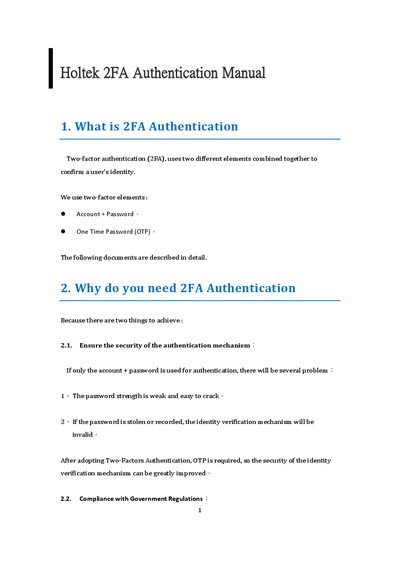

Holtek 2FA Authentication Manual - cover page
Brand
Holtek
Category
Other software
Document type
Other
Language
English
Pages
38
File format
PDF
File size
3.1 MB
Published
13 October, 2026
Updated
13 October, 2026
MD5 checksum
17E197773D240DEF81A81436047B7253

About this manual

This document provides a guide to Holtek's Two-Factor Authentication (2FA) system, detailing the security benefits of using an OTP alongside a password and explaining compliance with government regulations. It outlines the process for registering and verifying 2FA via the Holtek CRM website.

What's inside

  • What is 2FA Authentication
  • Why do you need 2FA Authentication
  • HOLTEK 2FA Registration and Verification
  • Register Holtek 2FA Authentication
  • Holtek 2FA Authentication for Holtek System
  • Mobile phone 2FA Authentication APP installation
  • Authenticator installation problems in China
  • Holtek 2FA Authentication failure reasons and solutions

Frequently asked questions

What are the two elements used in 2FA authentication?

The two elements are Account + Password and One Time Password (OTP).

How often is the OTP verification code updated?

The OTP verification code is updated every 30 seconds.

What should be done if the OTP verification code is incorrect due to time issues?

Ensure the computer or mobile phone time is synchronized with the Network Time Protocol (NTP).

Download PDF (3.1 MB)

More Holtek Manuals


View all Holtek manuals →